ChatChat Multiplayer Cat Game
Review
ChatChat offers a wonderfully wholesome experience. Becoming a cat and chatting with friends in a safe, colorful world is incredibly relaxing. The customization options are cute, and the multiplayer aspect makes it a great way to connect. Perfect for families.
About This Game
Game Introduction
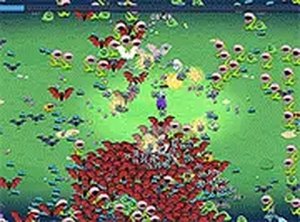
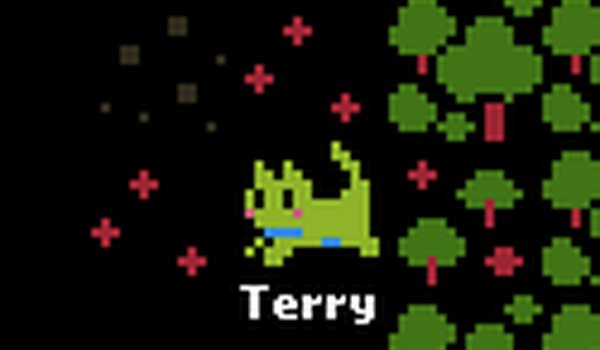
ChatChat: Multiplayer Cat Game Online is a charming multiplayer online game where players take on the role of a cat in a friendly, pixel-art world. Designed for all ages, it offers a safe and social space to explore, chat, and enjoy whimsical cat life. The game emphasizes positive interactions and creativity, making it ideal for families and friends seeking a relaxing digital playground. With no violence or inappropriate content, ChatChat provides a heartwarming experience centered on fun and connection.
How to Play
Getting started is simple: create your own cat character by customizing its fur, eyes, and accessories. Once in the multiplayer world, you can move your cat using keyboard controls (typically arrow keys or WASD) and interact with objects using a designated key like the spacebar. Use the chat feature to communicate with other players, explore various rooms and outdoor areas filled with interactive items such as balls of yarn and scratching posts. The goal is to socialize, explore, and enjoy the carefree life of a cat—no enemies or challenges, just pure relaxation.
Game Features
Key features include multiplayer chat for real-time communication with other cat characters, extensive cat customization options, and a safe, family-friendly environment. The game world is filled with colorful pixel-art landscapes and interactive objects that encourage exploration and play. As a typing-friendly game, it may include keyboard-based controls and chat functions. The social aspect is central, allowing players to make friends and engage in positive interactions.
Tips for Success
To get the most out of ChatChat, take time to explore every area and interact with all objects—you might discover hidden spots or fun animations. Be friendly and respectful in chat to build a positive community. Customize your cat to express your personality and stand out. Since the game is about relaxation, don't rush; enjoy the peaceful atmosphere and make new friends along the way.